Clothing and footwear sit in their own corner of Amazon's image rules. The general requirements still apply, so the main image needs a pure white background, the product must fill most of the frame and nothing but the item for sale can appear. On top of that, fashion categories add rules about how a garment is presented: on a person or laid flat, whether a mannequin may show, which way a shoe points and how children's clothing is photographed. Sellers who move from home or electronics into apparel often get caught by these extra layers, and the result is a suppressed listing or a main image that quietly fails a quality check.
This guide covers the fashion-specific layer only. For the general technical baseline such as file formats, pixel minimums and colour mode, read our Amazon product image requirements guide. Fashion style guides are among the most frequently updated on Amazon and differ by marketplace and sub-category, so always confirm the current rules in the Seller Central style guide for your category before a shoot.

Why Apparel Has Its Own Image Rules
A blender looks the same on every kitchen counter. A dress does not. How a garment drapes, where a hem falls and how a collar sits all change depending on whether it is worn, hung or laid flat, and shoppers cannot touch the fabric. Amazon's fashion rules exist to make search results comparable and honest. When every adult top in a results page is shown on a standing model or as a neat flat lay against white, shoppers can compare cut and colour fairly, and fewer orders end in "not as pictured" returns.
There is also a commercial reason. Fashion has some of the highest return rates on the platform, and returns feed into listing health. Images that show fit accurately are one of the cheapest return-reduction tools a clothing brand has, so the rules and your own interests point in the same direction.
Main Image Options for Adult Clothing
For adult clothing, the main image is generally shown in one of two ways:
- On a human model. The model should be standing, not sitting, kneeling or lying down, with the garment clearly the focus. Poses are usually expected to be simple and front-facing so the cut is easy to read.
- As a flat lay. The garment is laid flat or shown as if worn by an invisible form, neatly arranged, with no visible hanger, clips or props.
Which option suits you depends on the garment. Structured items such as jackets, jeans and tailored shirts often look better on a model because shape matters. Basics such as t-shirts, socks and underwear multipacks often work well as flat lays, where every piece in the pack can be seen at once. Some sub-categories, particularly intimates and swimwear, have extra modesty and presentation rules, so check the specific style guide.
What the model can and cannot wear
Only the item being sold should be obvious in the main image. If you are selling a shirt, the model can wear plain neutral trousers, but the trousers should not compete for attention, and there should be no accessories that a shopper might think are included. Avoid sunglasses, bags, jewellery and hats unless they are part of the listing. Cropping the frame at the waist or knee for a top keeps attention where it belongs.
Mannequins, Hangers and Ghost Images
Visible mannequins are a common reason fashion main images fail. Amazon's guidance has generally been that mannequins should not be visible on the main image, which is why many brands use the "ghost mannequin" or invisible mannequin technique. The garment is photographed on a mannequin, then the mannequin is removed in editing and the inside back of the neck is composited in, so the garment appears to hold its shape on its own.
The same principle applies to hangers, pins, clips and tags. A clothes hanger poking out of a collar or a swing tag dangling from a sleeve can make the image look unprofessional and may breach the rules. Remove them physically before the shoot where possible, and in post-production where not. Rules on mannequins and ghost images have changed over time and vary slightly between marketplaces, so treat this as something to confirm rather than assume.
Secondary images are more relaxed. A mannequin or styled hanger shot can appear later in the stack if it helps show shape, though most shoppers respond better to real people.
Footwear: The Single Shoe Rule
Footwear has the most distinctive main image convention on Amazon. The main image generally shows a single shoe, not a pair, facing left at roughly a 45-degree angle. This angle shows the toe shape, side profile and a hint of the heel and opening in one view, and it makes a page of shoe results look orderly.
Practical points for shoe main images:
- Use the left or right shoe consistently across your range so children of a parent listing match.
- Stuff the shoe with tissue so it holds its shape, but keep the tissue hidden.
- Remove swing tags, plastic inserts, price stickers and the shoebox.
- Keep the sole edge visible so the shopper can judge thickness.
- Lace the shoe neatly and evenly, with laces tucked or arranged symmetrically.
Use the secondary slots for the pair, the sole, the back of the heel, a top-down view of the opening and an on-foot shot. The sole image is especially useful for trainers and walking boots, because grip pattern is a buying factor that the main image cannot show.
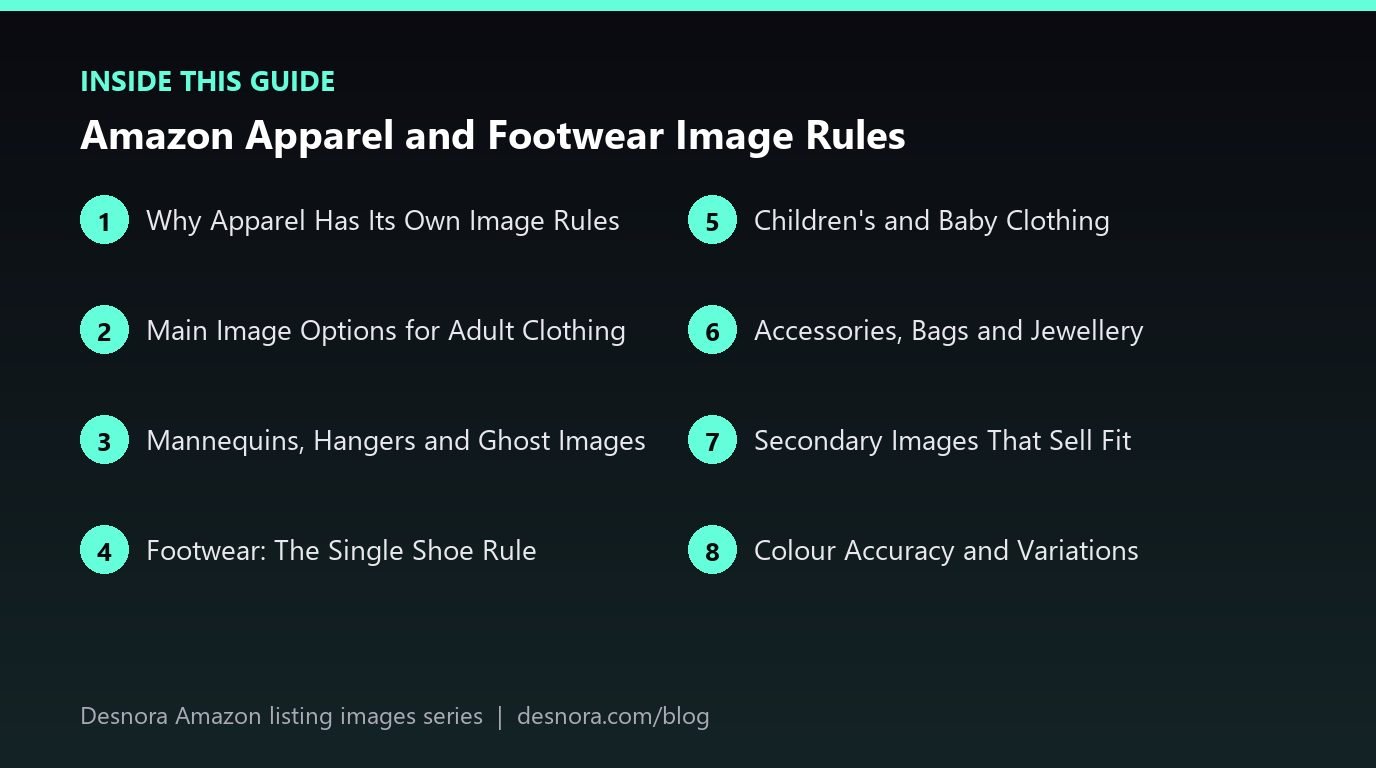
Children's and Baby Clothing
Children's and baby clothing follows a different rule for the main image: it is generally shown flat, without a model. This protects children's privacy and keeps the presentation consistent. Lay the garment out neatly, smooth the creases, and make sure poppers, buttons and bows sit naturally. For sets such as a babygrow with a hat and bib, arrange all pieces so each is visible without overlapping heavily.
Secondary images can sometimes include children wearing the product, but many brands avoid this entirely, both to stay well clear of policy issues and because parental consent and usage rights add complexity. A size chart image and close-ups of fastenings, seams and fabric labels often do more for conversion than a lifestyle shot in this category, since parents care about comfort, safety and ease of dressing.
Accessories, Bags and Jewellery
Accessories sit between apparel and general merchandise. Handbags are usually shown front-facing on white, standing upright with straps arranged neatly, often with tissue stuffing for shape. Jewellery is usually shown on white without a model on the main image, sometimes on a discreet stand that is removed in editing. Watches are often shown face-forward with the time set to a classic position that frames the logo. Hats, scarves and belts vary by marketplace. The common thread is the same: only what is sold, on white, filling the frame.
For jewellery, scale is a frequent complaint in reviews. A ring or pendant shot macro on white can look far larger than it is, so a later image on a hand or neck, or a scale graphic, is essential. Our guide to dimension and scale images covers how to build those.
Secondary Images That Sell Fit
Once the main image is compliant, the remaining slots should answer the questions that cause fashion returns. A strong apparel secondary set usually includes:
- Back view on the same model, same pose and lighting as the front.
- Side view, which reveals fit through the hip and how a hem falls.
- Fabric close-up showing weave, texture, stretch or lining.
- Detail shots of zips, buttons, pockets and stitching.
- A size chart with measurements in the units your marketplace uses.
- A model information line, such as height and the size worn, added as small text on a secondary image.
- A styled or lifestyle shot showing the garment in context.
The model information line deserves extra attention. Telling shoppers that the model is a certain height and wears a medium is one of the simplest ways to reduce size returns. Keep it on a secondary image only, since text is not allowed on the main image.
Colour Accuracy and Variations
Most clothing listings have colour and size variations, and each colour child needs its own accurate main image. A navy that photographs as black or a cream that looks white will generate returns quickly. Shoot with a grey card, calibrate your monitor and compare final images against the physical garment under daylight-balanced light. Swatch images, parent images and keeping children consistent are covered in our guide to images for Amazon variations, so we will not repeat that here. The fashion-specific point is that every colour should be shot on the same model or flat lay setup, at the same angle, so the variation grid looks like one collection.
A Worked Example: Relaunching a Trainer and Hoodie Range
A small UK streetwear brand sells unisex hoodies in six colours and a canvas trainer in four colours. Their hoodie main images show the garment on a white plastic mannequin, and two colour children were flagged for a main image issue. The trainer main image shows both shoes side by side, pointing right, still in the open box.
They plan a one-day reshoot. Hoodies are photographed on an invisible mannequin with the neck composited in, giving a consistent front view for all six colours. A standing model is booked for secondary images: front, back and side in the black colourway, plus a cropped close-up of the cuff and kangaroo pocket. A secondary image states the model's height and that he wears a medium. A flat lay of the inside shows the brushed fleece lining.
For the trainers, each colour is shot as a single left shoe at around 45 degrees, stuffed and laced evenly, with the box removed. The secondary set adds the pair from above, the sole, the heel and an on-foot shot on a pavement. After upload, the flagged children return to normal, and over the following weeks the brand notices fewer returns citing "smaller than expected" on the hoodie, which they attribute to the model size line and side view.
Common Apparel Image Mistakes
- Visible mannequins, hangers or clips on the main image.
- Models sitting, leaning or posed so the garment is hidden.
- Accessories on the model that are not part of the listing.
- Showing both shoes, or the shoe facing right, on a footwear main image where the left-facing single shoe is expected.
- Children's clothing modelled on a child in the main image.
- Colour children that look different in hue because they were shot on different days.
- Size information written on the main image.
Several of these trigger suppression rather than just weaker performance. If a listing has already been flagged, our guide to image policy violations and suppressed listings explains how to find and fix the cause.
Apparel and Footwear Image Checklist
- Confirm the current fashion style guide for your exact category and marketplace.
- Adult clothing main image: standing model or neat flat lay on pure white.
- No visible mannequin, hanger, clips or tags on the main image.
- Footwear main image: single shoe, facing left, roughly 45 degrees.
- Children's and baby clothing main image: flat, no model.
- Only the item for sale is obvious; no extra accessories.
- Back, side, fabric and detail shots in secondary slots.
- Size chart and model size information on secondary images.
- Each colour child shot on the same setup with accurate colour.
- Product fills about 85% of the frame, at least 1000px on the longest side.
Fashion shoots involve models, styling, ghost mannequin editing and colour matching across many variations, which is why many brands hand them to a specialist. Desnora plans and produces compliant fashion and footwear image sets as part of our Amazon listing image design service. To talk through your range, contact us.
Frequently Asked Questions
Can I use a mannequin on my Amazon clothing main image?
Visible mannequins are generally not allowed on apparel main images. Use a standing human model, a flat lay or an invisible mannequin edit, and confirm the current rule in your category style guide.
Does an adult clothing model have to be standing?
Yes, adult clothing main images on a model are generally expected to show the model standing rather than sitting, kneeling or lying, so the garment is clearly visible.
Why does Amazon want one shoe facing left?
A single shoe at roughly 45 degrees facing left shows the toe, side profile and opening in one view, and keeps footwear search results consistent and easy to compare.
Can I show the pair of shoes anywhere?
Yes. Show the pair, the sole, the heel and on-foot shots in secondary image slots, where presentation rules are more flexible.
How should children's clothing be photographed?
Children's and baby clothing main images are generally shown flat without a model. Lay garments neatly and make sure every piece in a set is visible.
Can I add the model's height and size to the images?
Yes, on a secondary image. It is one of the most effective ways to reduce size returns. Text of any kind is not allowed on the main image.
Can the model wear accessories in my images?
Keep the main image free of anything not included in the listing. Simple styling can appear in lifestyle secondary images, as long as shoppers will not think the extras are part of the purchase.
Is a ghost mannequin image allowed as a main image?
Invisible or ghost mannequin images are widely used for apparel main images because no mannequin is visible, but check the current style guide for your marketplace and category.
Do swimwear and lingerie have extra rules?
Yes. Intimates and swimwear usually have additional presentation and modesty guidance. Read the specific style guide before booking a model shoot.
How do I keep colours consistent across clothing variations?
Shoot every colour on the same setup, lighting and angle in one session, use a grey card and compare final files with the physical garment before upload.
Should jewellery be shown on a model on the main image?
Jewellery main images are usually shown on white without a model. Use secondary images on a hand or neck to show real size and how the piece is worn.
What happens if my apparel main image breaks the rules?
The listing or a variation child can be suppressed or flagged, which removes it from search until you upload a compliant replacement.