TikTok is a visual platform, and shoppers judge products in a fraction of a second. On the Shop tab, in search results and in recommendation feeds, your main image competes against dozens of others in a grid of small thumbnails. On the product page, your image gallery has to confirm everything a creator promised in their video. Strong images lift click-through and conversion; weak ones quietly drain the value of every view your content earns.
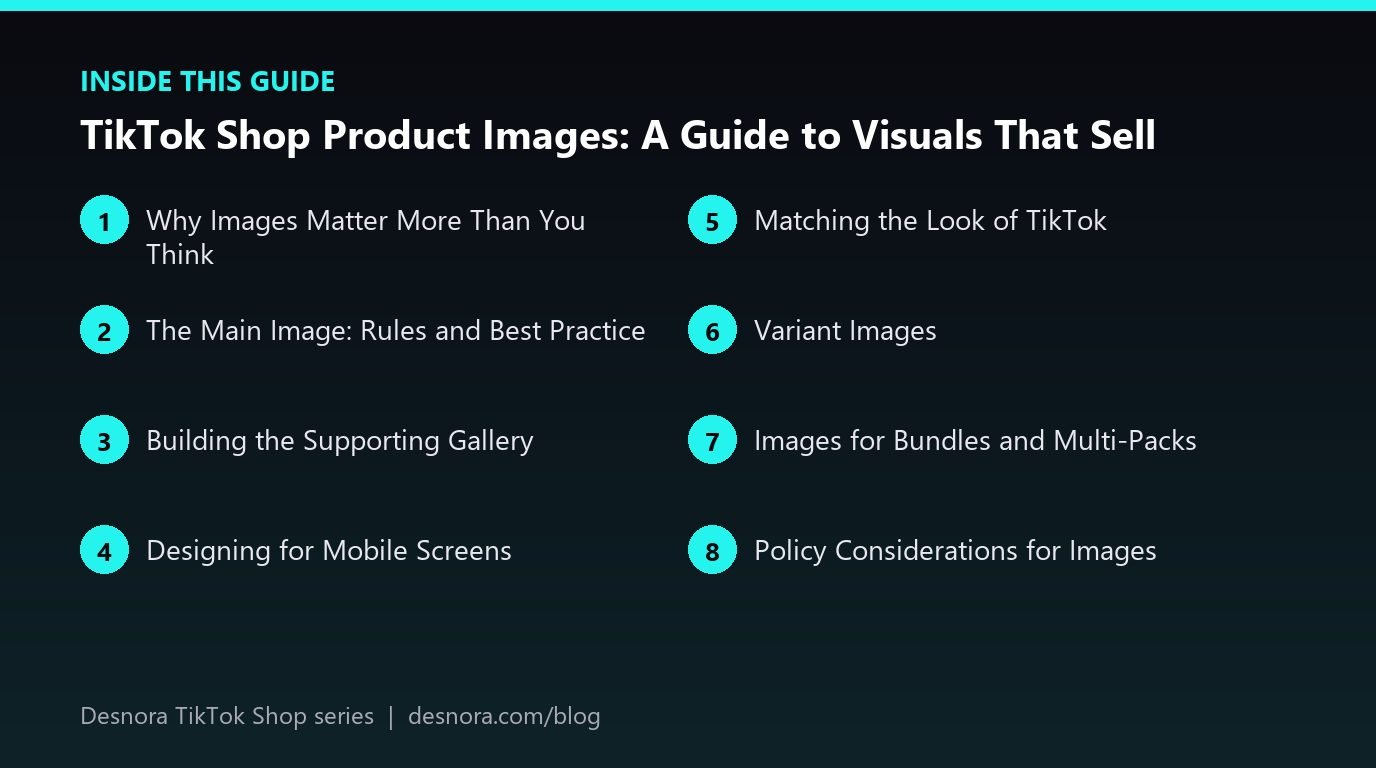
This guide explains how to plan a complete TikTok Shop image set, the role of each image, design principles for mobile screens and the mistakes we see most often when auditing shops.

Why Images Matter More Than You Think
It is easy to assume images matter less on TikTok because video drives most sales. In reality, images do three jobs that video cannot. First, they win discovery traffic: in shopping feeds and search, the main image is often the only thing a shopper sees before deciding whether to tap. Second, they confirm decisions: viewers arriving from a video look at the gallery to check colour, size and details. Third, they build trust: a polished, consistent gallery signals that a real brand stands behind the product.
Images also influence how your product is represented elsewhere. Creators often screenshot or reuse listing visuals, and product cards appear inside videos and LIVE streams. A clear, recognisable main image travels with your product wherever it appears.
The Main Image: Rules and Best Practice
Your main image should show the actual product clearly, ideally on a clean or white background, filling most of the frame. Check the current image requirements for your market and category, including minimum resolution, aspect ratio and any restrictions on text, watermarks or borders. Square images are a common default and display well across placements.
Best practices for main images:
- Show what the shopper receives. If the product is sold as a set, show the set. If accessories are not included, do not show them prominently.
- Prioritise legibility at small sizes. Zoom out on your design until it is the size of a thumbnail on a phone. If you cannot tell what the product is, simplify.
- Use the most appealing angle. Shoot the product from the angle that best communicates its shape and quality.
- Keep it honest. Heavy retouching that changes colour or proportions leads to returns and negative reviews.
Building the Supporting Gallery
After the main image, plan a gallery that answers questions in a logical order. A strong set for most products includes:
- Hero lifestyle image: the product in use in a realistic setting, showing the target customer and the benefit.
- Key benefits infographic: three or four headline benefits with simple icons and short text.
- Feature close-up: texture, material, stitching or mechanism that justifies the price.
- Scale and dimensions: the product next to a hand, a familiar object or with clear measurements.
- What is included: every item in the package laid out neatly.
- How to use: simple numbered steps for products that need explanation.
- Comparison or variants: colour options, sizes or a comparison with an older version.
- Social proof or brand story: where allowed, a visual that reinforces trust, such as certifications you genuinely hold.
Not every product needs every slot. A phone case does not need a how-to image, but a skincare device probably does. Choose the images that remove the biggest objections for your product.
Designing for Mobile Screens
Almost every TikTok Shop customer views your images on a phone. That changes design priorities compared with desktop marketplaces:
- Large, bold text. Keep infographic text short and big enough to read without zooming.
- High contrast. Make sure text stands out against the background in bright and dim lighting.
- One idea per image. Cramming six benefits into one graphic produces something nobody can read.
- Vertical awareness. Some placements crop or display images differently; keep key elements away from the edges.
Test every image on an actual phone before uploading. Look at it at arm's length, in sunlight and with screen brightness turned down. If it does not read clearly, revise it.
Matching the Look of TikTok
TikTok shoppers respond to visuals that feel native to the platform: real people, natural light and authentic settings. Overly corporate, catalogue-style imagery can feel cold next to creator content. A strong approach is to combine clean product shots for the main image with lifestyle images that look like stills from creator videos.
Some brands repurpose frames from their best-performing UGC as lifestyle images, with permission from the creator. This creates a consistent experience between the video a shopper watched and the gallery they browse. Our guide to building a TikTok Shop UGC engine explains how to collect and license this content.
Variant Images
Every variant should have its own image showing exactly that colour, size or style. When a shopper selects "Midnight Blue", the image should change to the midnight blue product. Missing variant images cause confusion and returns, and they make the listing look unfinished. For products with many variants, a summary image showing all options together helps shoppers choose.
Images for Bundles and Multi-Packs
Bundles are popular on TikTok Shop because they raise order value and make free shipping easier to afford. They also need their own visual treatment. A shopper choosing between a single unit and a three-pack should instantly see the difference. Show every item in the bundle laid out clearly, label the quantity in large type and, where it helps, display the per-unit value so the saving is obvious.
Avoid reusing the single-product image for a bundle listing or variant. It confuses shoppers about what they will receive and often leads to complaints when the package arrives. If your bundle combines complementary products, such as a cleanser, serum and moisturiser, add an image explaining the routine and the order of use. This turns a simple multi-pack into a solution, which is far more persuasive than a collection of separate items.
Seasonal bundles, such as gift sets for the holidays, benefit from lifestyle images that show the set wrapped or presented as a gift. Plan these images well before peak season so they are ready when campaigns begin.
Policy Considerations for Images
TikTok reviews images along with the rest of your listing. Avoid misleading before-and-after images in restricted categories, claims that suggest medical outcomes, images that show products or accessories not included, and anything that uses another brand's logo or copyrighted material. Celebrity images or implied endorsements without permission are a fast route to removal. Our guide to account health and policy violations explains the consequences.
Common Image Mistakes
When we audit TikTok Shop listings, these issues come up repeatedly:
- Using the same low-resolution supplier images as every other seller of a similar product.
- Main images packed with text, badges and arrows that look like adverts.
- Only one or two images, leaving shoppers with unanswered questions.
- Lifestyle images that show a different version of the product.
- No sense of scale, leading to "smaller than expected" reviews.
- Inconsistent styles across the gallery that make the brand look unprofessional.
Many of these mirror the problems we see on Amazon. Our article on Amazon product image mistakes covers them in more depth, and the lessons transfer directly.
Testing and Improving Images
Image performance can be measured. Watch click-through rates from shopping feeds and search, and conversion rates on the product page, in your TikTok Shop analytics. If a product receives plenty of impressions but few clicks, test a new main image. If it gets clicks but low conversion, review the gallery for missing information and check whether reviews mention surprises.
Change one image at a time and allow enough traffic to judge the result. Over several rounds, these small improvements compound into meaningfully better conversion across every traffic source.
Producing Images Efficiently
You do not need a large studio budget. A practical workflow is to commission one professional product shoot for clean product images and detail shots, then design infographics from those images. Lifestyle shots can come from a short creator shoot or from licensed UGC. Keep master files organised by product and variant so you can resize them quickly for TikTok Shop, Amazon and your website.
If you would rather hand this off, Desnora designs complete image sets for marketplaces. Our listing image design team creates main images, infographics and lifestyle visuals optimised for mobile, and our portfolio shows recent work. Explore our full TikTok Shop services or ask for a free listing review.
Frequently Asked Questions
What size should TikTok Shop product images be?
Requirements vary by market and category, but high-resolution square images are a common standard. Check the current image specifications in Seller Center before designing your set.
Can I put text on my TikTok Shop main image?
Keep the main image clean and focused on the product. Use supporting images for infographics and text, and check your category rules, as heavy text and promotional badges on the main image may be restricted.
How many images should a TikTok Shop listing have?
Use enough images to answer the main purchase questions, typically a main image plus five to eight supporting images covering lifestyle, benefits, features, scale and what is included.
Can I use creator video stills as product images?
Yes, if you have permission from the creator to use their content commercially. Stills from authentic creator videos often make effective lifestyle images.
Do the same images work for Amazon and TikTok Shop?
Many can be shared, especially clean product shots and infographics, but TikTok shoppers respond well to more authentic, creator-style lifestyle imagery. Adapt your set to each platform's rules and audience.